
Built to last. Engineered to inform.
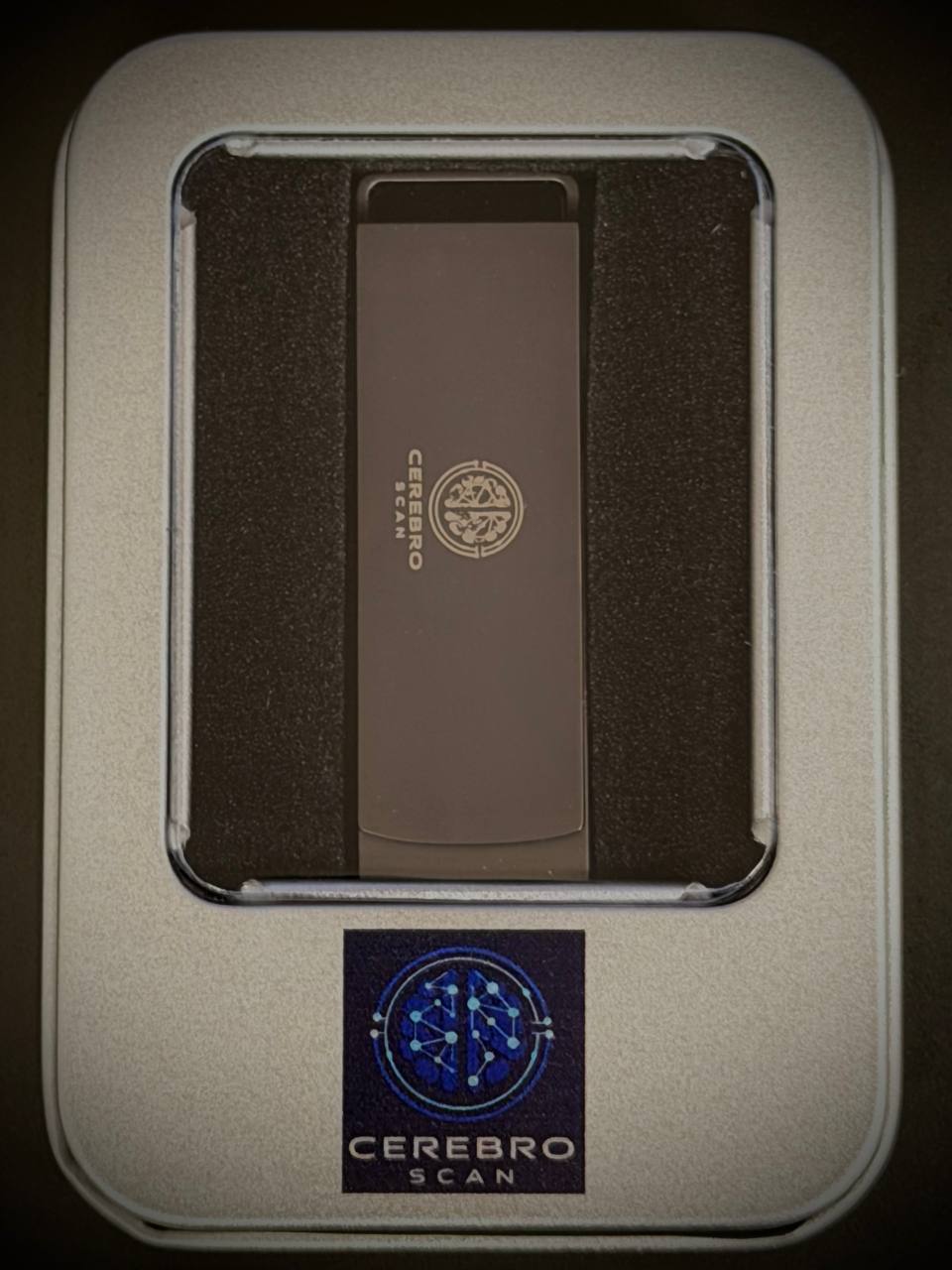
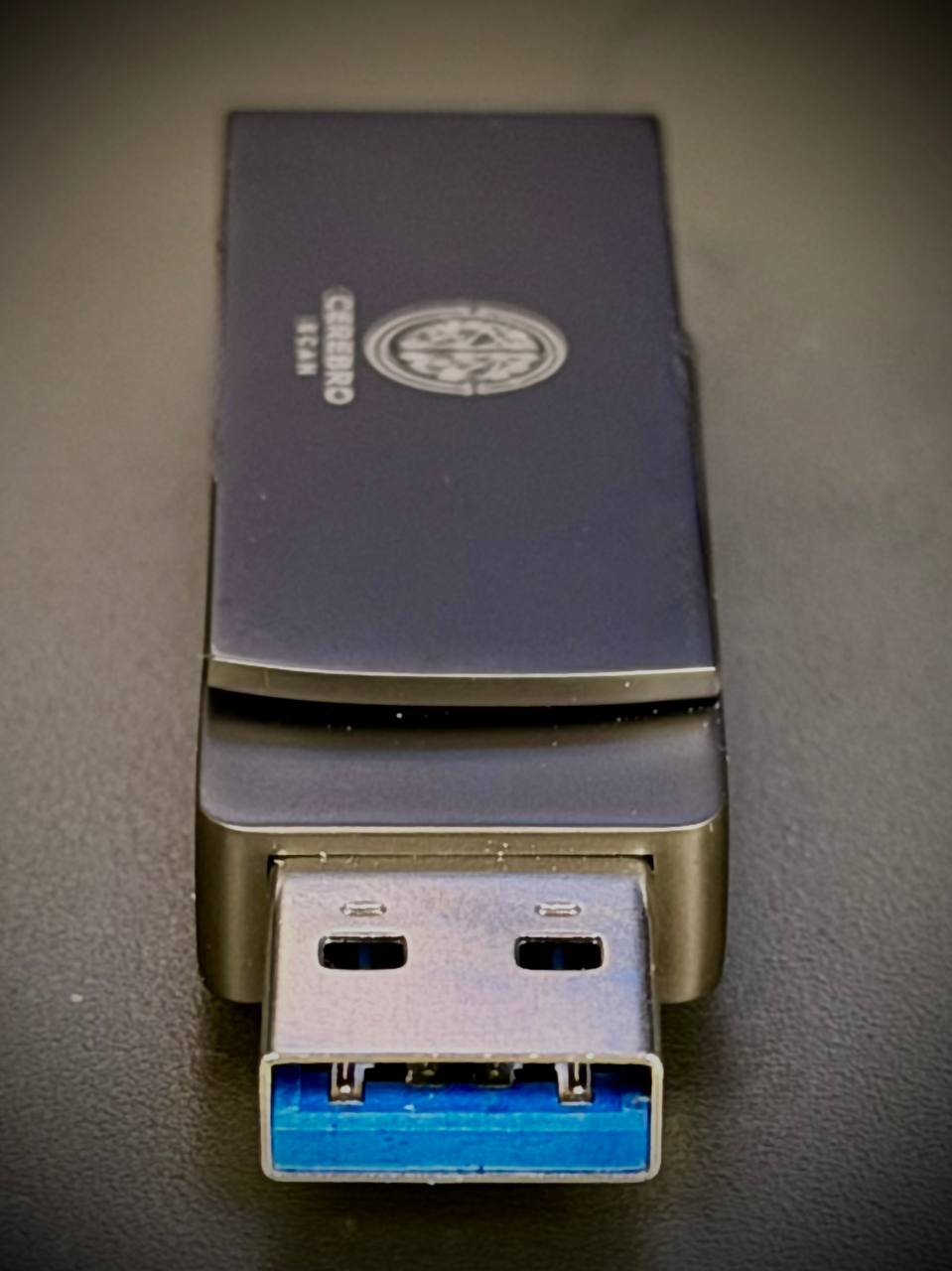
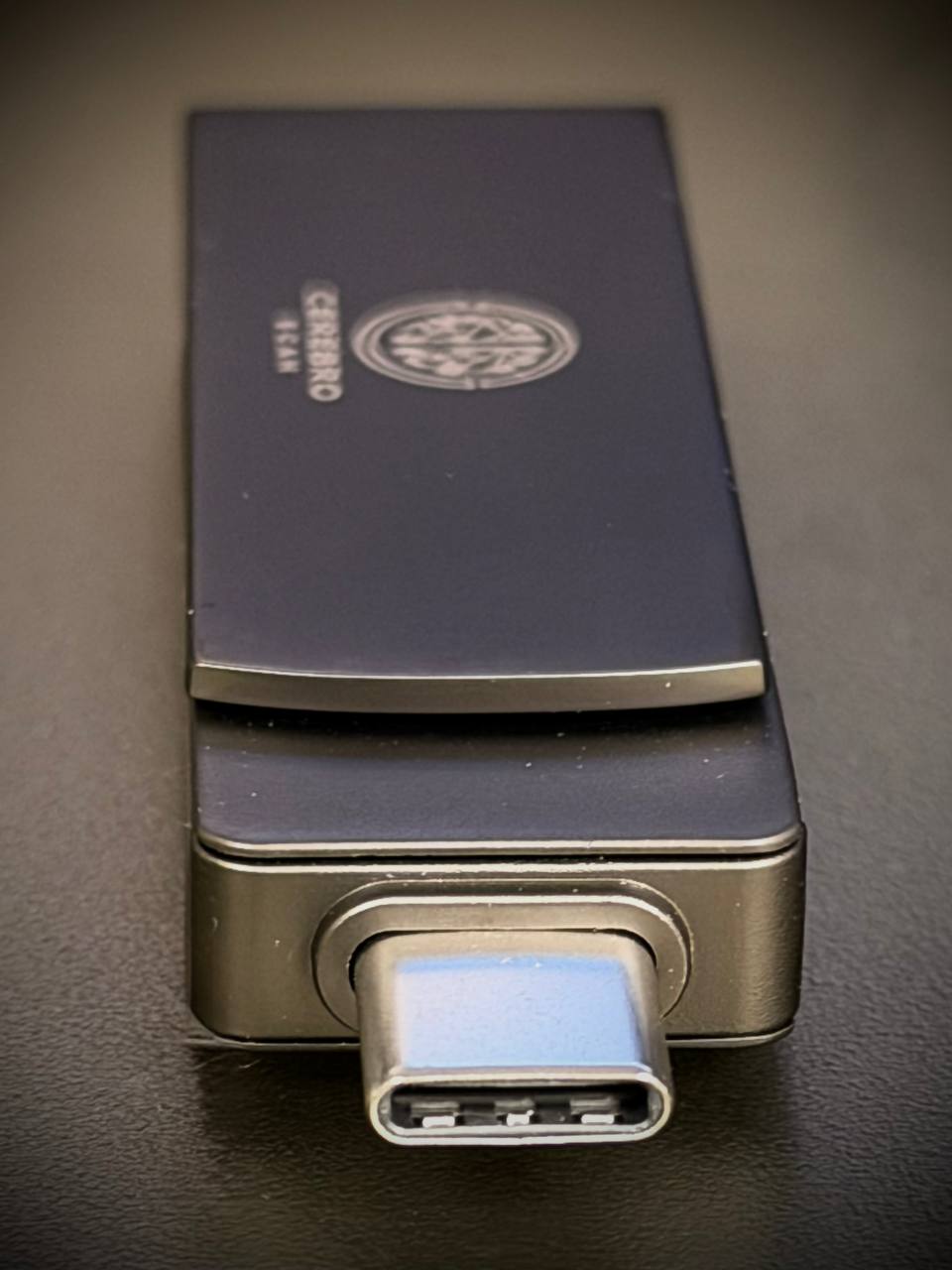
Premium matte-finish housing, dual USB-A and USB-C connectors. Every stick individually stress-tested 1,000 times before dispatch.
Exactly how it works
Full transparency — here's precisely what Cerebro Scan does when you plug it in.
Insert into any free port. USB-A and USB-C connectors on a rotating head — no adapter needed. It mounts as a drive called CEREBROSCAN.
On Mac: double-click Apple.command. On Windows: double-click Windows.exe. Nothing is installed — the launcher runs directly from the USB stick.
Starts a web server at http://127.0.0.1:7760 — entirely on your own machine. No data is sent anywhere. No internet connection used for diagnostics.
Chrome (or your default browser) opens showing the full diagnostic dashboard. All 20 tabs of live data start loading immediately.
CPU, RAM, processes and network speed refresh continuously. First full load takes around 30 seconds to collect all data.
Click Generate Report. An HTML file saves to the Reports folder on the USB — named with your computer name and date. Print to PDF or share with a technician.
Close the browser, unplug the USB. No files left on the computer. No software installed. The computer is exactly as it was before.
When you next use Cerebro Scan online, it silently checks our secure update server. If improvements are available, they download automatically in the background. Your USB stays up to date forever — no action needed.
Everything. Live. In one place.
20 professional diagnostic tabs running simultaneously — updated every 3 seconds.


What Cerebro Scan does not do
We believe in being completely upfront. Here's exactly what it cannot do.
Works on most home computers
See the limitations section above for corporate or heavily restricted machines.
What our customers say
“Showed me my laptop fan was about to fail before it caused any damage. Saved me hundreds in repairs. The Simple View tab explained everything perfectly. Absolutely worth every penny.”
“Used it on 3 computers at work. Everyone was amazed at how much information it shows. The network scan found devices on our office network I didn't even know existed. Really professional tool.”
“My son set it up in seconds. I could finally see exactly why my computer was running so slow — turns out RAM was nearly full. The simple view tab explains everything without any technical jargon. Perfect.”
“I'm a freelance IT technician and I use this on every job now. Clients can see exactly what's wrong with their machine in Simple View. The spec export tab saves me loads of time. Brilliant product.”
“Really impressed with the amount of information it gives you. Took about 30 seconds to load on first run but once it's going it's very fast. The network scan is particularly impressive.”
“Bought this for my elderly mum's computer. She plugged it in, I looked at the results remotely and diagnosed the issue in minutes. The report saved to USB was brilliant for sharing with the local repair shop.”
Nothing installed. Nothing changed. Nothing sent.
Cerebro Scan reads data from your hardware and shows it in your browser. It never writes, modifies, or deletes anything on the computer it's plugged into.
Diagnostic Tool — No Liability
Cerebro Scan is a read-only diagnostic tool. It does not install, modify, alter, delete or write any data to your computer. No responsibility is accepted for any damages or issues arising from use. Provided as-is without warranty.